





Lunar V2 - Best AI Aim Assist

An artificial intelligence aim assist for Keyboard & Mouse

Discord
LunarV2 Thumbnail
$35
What you will get
  • Lunar V2
  • Lunar OP
  • Lifetime Free Updates
  • Support

By purchasing, you agree to our Refund Policy

Buy Now! Payment Methods

Save an extra $5

What is AI Aim Assist?

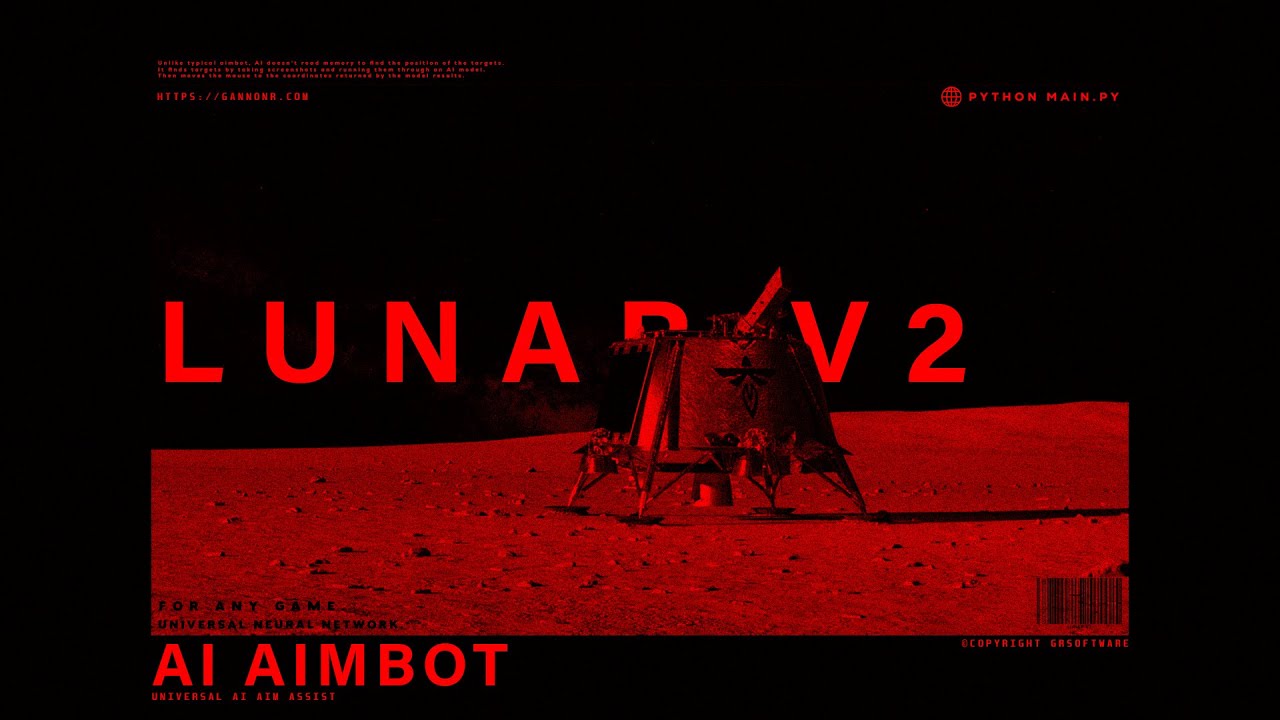
AI doesn't read memory to find the position of the targets. It finds targets by taking screenshots and running them through an AI model. Then moves the mouse to the coordinates returned by the model results.

Disclaimer

Lunar V2 is intended only for offline, single-player gameplay. It is not designed for, supported in, or permitted for use in online, multiplayer, or competitive modes, or in games protected by anti-cheat systems. Use in such environments may violate game Terms of Service and may result in account bans or other penalties.

You are solely responsible for ensuring your use complies with all applicable game EULAs/ToS and platform rules. We do not encourage or condone cheating or unfair play in any multiplayer environment.

We provide no guarantee that use will be permitted by any game publisher or platform. We are not responsible for bans, suspensions, loss of accounts/items, or other consequences arising from use outside the intended offline single-player scope.

Game Compatibility

If you find that the default model is not detecting objects consistently, you can train your own AI model. For dataset resources, visit Roboflow. Learn to train custom models using YOLO by watching this: How to Train AI for Object Detection.

V2 vs V1

Lunar V2 has been completely rebuilt from the ground up; Supports YoloV8, YoloV10, YoloV11, and TensorRT so it's compatible with pretty much any model; 25+ configuration settings.

Installation

Installing Lunar is fairly easy, to get started you need Python 3.10.5, then download Lunar from the Purchased Downloads section under your account, extract the zip folder and run install_requirements.bat, once that finishes you can run start.bat
For a more detailed guide, here's a video on How to Install Lunar V2 AI Aimbot

System Requirements

It is highly recommended to have an NVIDIA GPU.
Here are the recommended GPUS:
RTX 2080, RTX 3060, RTX 3070, RTX 3080, RTX 3090, RTX 4060, RTX 4070, RTX 4080, RTX 4090 or newer.
If you have a GPU on the lower end of this list, you will need to install TensorRT for Lunar to run properly
Laptop's are not recommended.

We offer a DirectML version for those of you without an NVIDIA GPU.

How do I know if DirectML supports my device?
DirectML requires a DirectX 12 capable device. Almost all commercially-available graphics cards released in the last several years support DirectX 12. Examples of compatible hardware include:

- AMD GCN 1st Gen (Radeon HD 7000 series) and above
- Intel Haswell (4th-gen core) HD Integrated Graphics and above
- NVIDIA Kepler (GTX 600 series) and above
- Qualcomm Adreno 600 and above
https://github.com/microsoft/DirectML

Keep in mind, the older/slower your system is, the slower Lunar will run.

Read Before You Buy

Here are a few things to keep in mind before buying; If you have an optimized or tweaked OS, this may prevent Lunar from running properly. Test Lunar LITE before you buy Lunar V2. If the game you want to play is very niche or not super popular, it most likely wont have an existing AI model trained for it (So you will need to make one yourself.) Just because Lunar V2 has the possibility to work with most games, doesnt mean it will right out of the box. If you get an error during setup, contact support.

Refunds

All sales are final. Once a purchase is made, it cannot be canceled or refunded. By completing a purchase on our website, you agree to this no refund policy. Ensure your computer meets the recommended specifications before purchasing Lunar V2. Refer to the recommended computer specs listed above. We are not responsible for anything that happens to your account. Use at your own risk. If you have any errors or issues please contact support.

Documentation

For setup and troubleshooting, visit the Lunar V2 Documentation.